
Introducing Student Forms Verification
This new process is:
-
Mobile-friendly -
Eliminates paper forms for its users
First Time Account Creation
-
- 1.
First Time user ‘Account Creation’ and Log-In
-
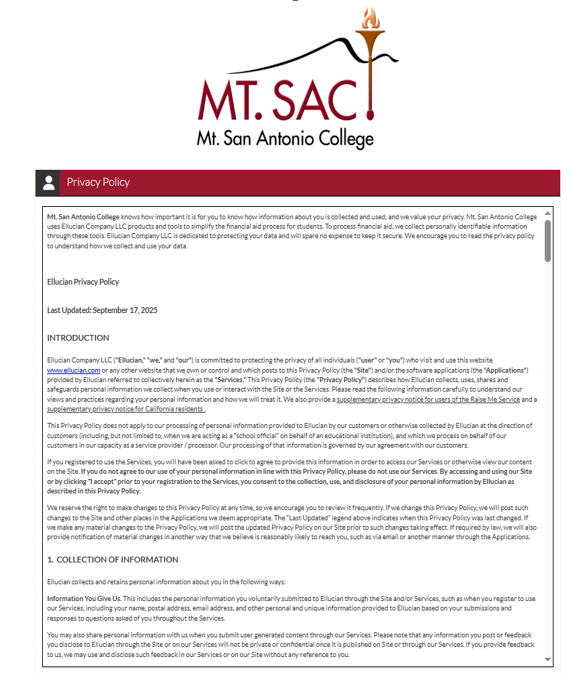
Figure 1 - Create Account 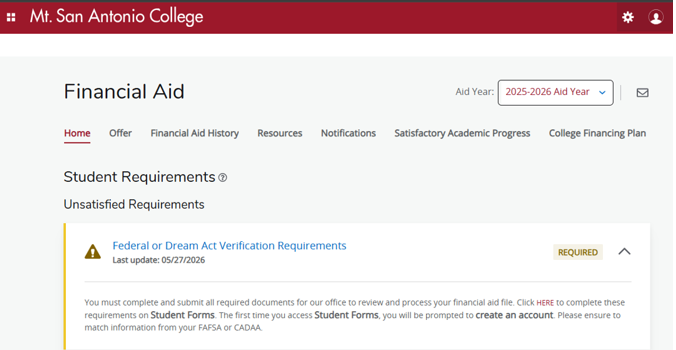
Figure 1 - Create Account -
First Time user 'Account Creation' and Log-in:
Student Forms utilizes Single Sign-On (SSO), so a separate username and password will not need to be created for students. Once students have successfully signed in, they will be prompted to confirm some information. When confirming their information, the information must be entered EXACTLY as it was entered on the FAFSA/CADAA.
Click "Create Account"
-
- 2.
Confirm Student Information
-
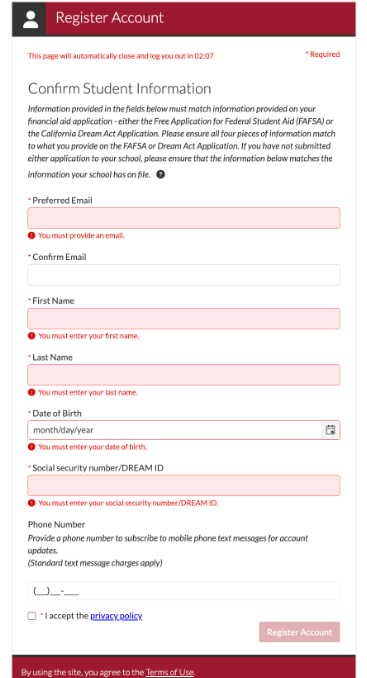
Figure 2 - Confirm Student Information -
Confirm Student Information:
In the Confirm Student Information section (Figure 2), you must MATCH the following information as it appears on your FAFSA/CADAA:
Enter the following:
- First Name
- Last Name
- Date of Birth
- Social Security Number or Dream ID*
*If you completed the CADAA, use your 9-digit Dream ID (starts with 000) instead of your SSN.
I accept the privacy policy
Click "Create Account"
Important Notes
- Your information must match your FAFSA/CADAA exactly
- Some fields may auto-fill (like email or Student ID)
- If your SSN or name is incorrect on your FAFSA, you must submit a new FAFSA (may take 3–5 business days)
- Entering a phone number = opting into text updates
- Double-check all information before submitting
-
- 1.
First Time user ‘Account Creation’ and Log-In
How to Solve Common Error Codes
-
-
Error Code 1010
-

Figure 1 - Error Code 1010
Your record either could not be found or does not match what is in the system. Please contact the Financial Aid Office for additional assistance. Error code 1010.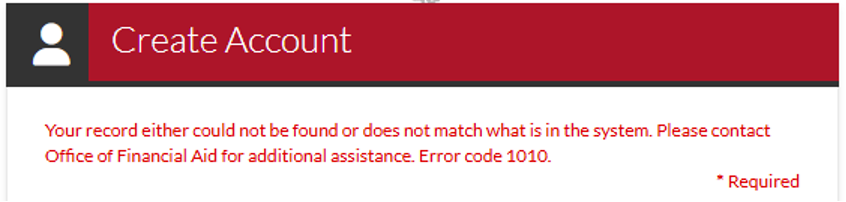
Figure 2 - Error Code 1010
Create Account (window)
Your record either could not be found or does not match what is in the system. Please contact the Financial Aid Office for additional assistance. Error code 1010.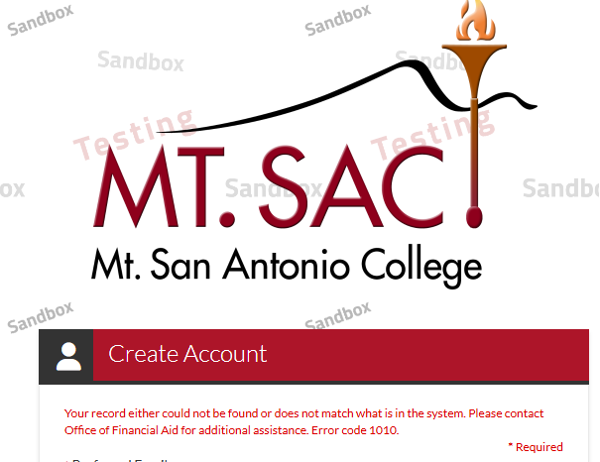
Figure 3 - Error Code 1010
College Logo | Create Account:
Your record either could not be found or does not match what is in the system. Please contact the Financial Aid Office for additional assistance. Error code 1010. -
Error Code 1010:
Contact the Financial Aid Office during normal business hours for assistance:
Error Code 1010 indicates that the student is entering information into the confirm information section – Figure 2 (First Name, Last Name, DOB, and SSN) that does not match what is on the most recent FAFSA/CADAA.
- Not including suffixes
(ex: Charlotte Jr) - Using a nickname
(ex: Char) - Special characters
(ex: Char’lotte vs. Char`lotte)
- Not including suffixes
-
-
Error Code 1011
-
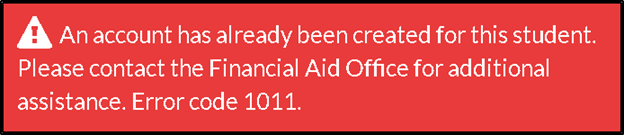
Figure 1 - Error Code 1011
An account has already been created for this student. Please contact the Financial Aid Office for additional assistance. Error Code 1011. -
Error Code 1011:
Contact the Financial Aid Office during normal business hours for assistance.
-
-
Error Code 1010
