


Menu
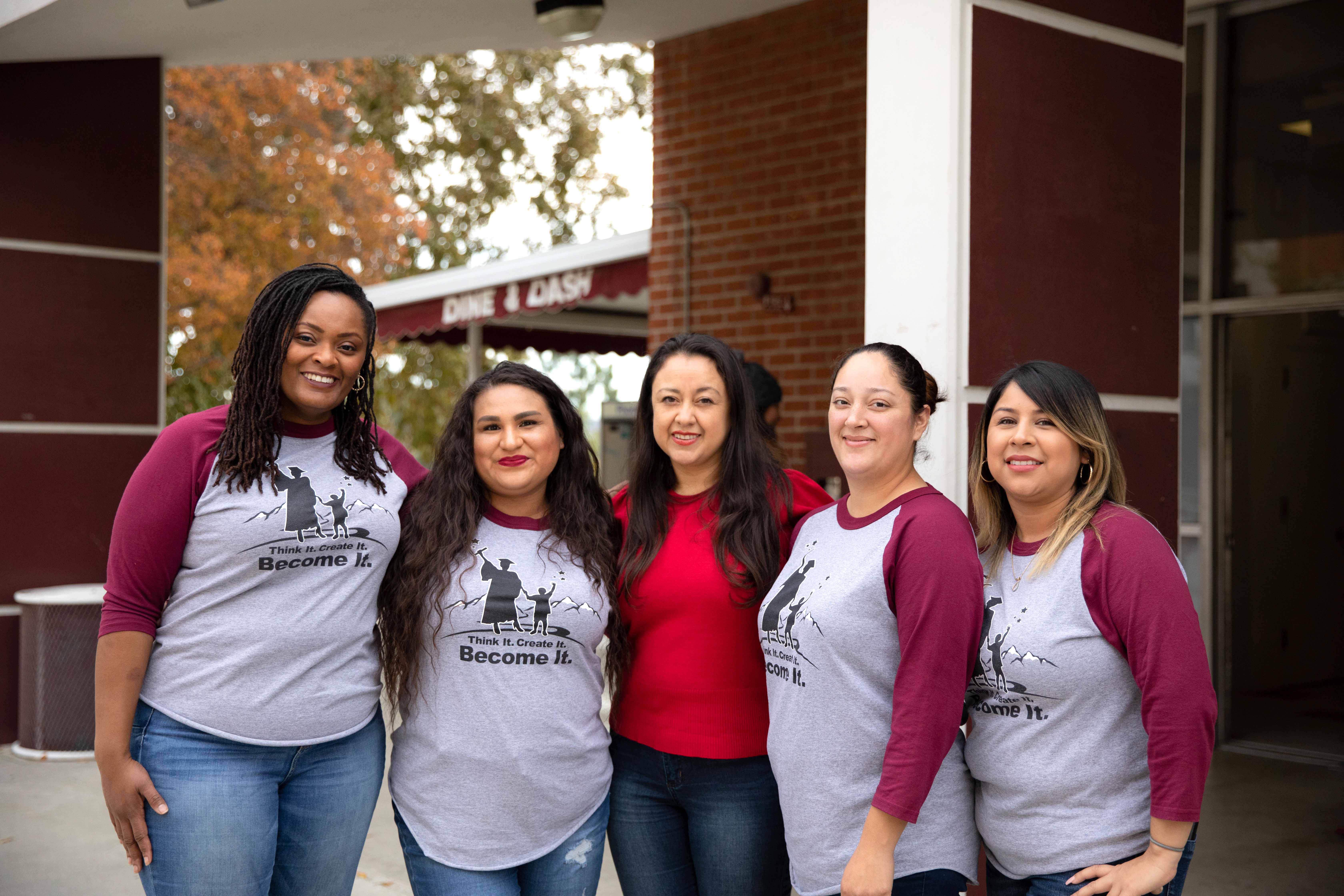
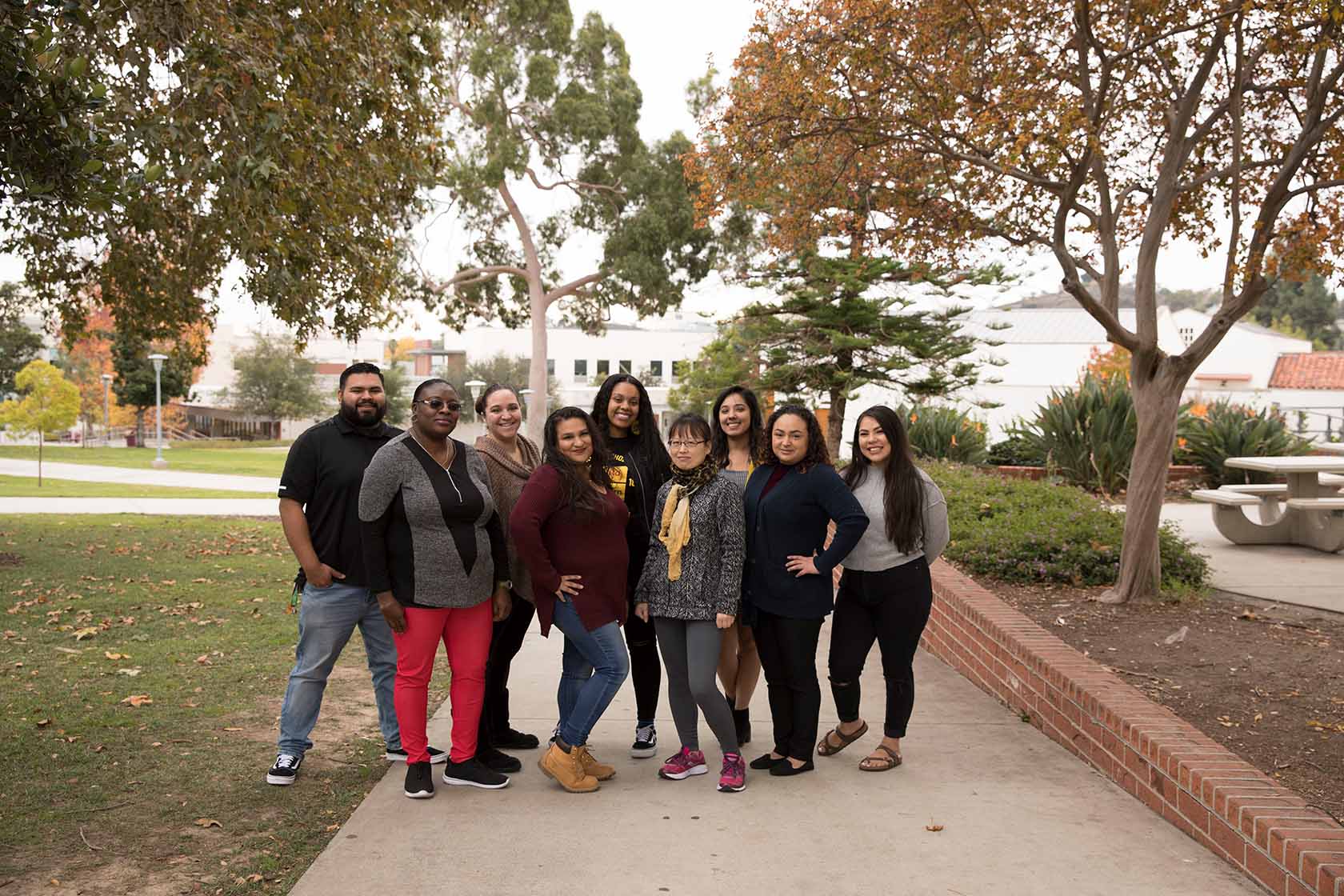
A group of Work Study students.Work Study StudentsWork Study Students
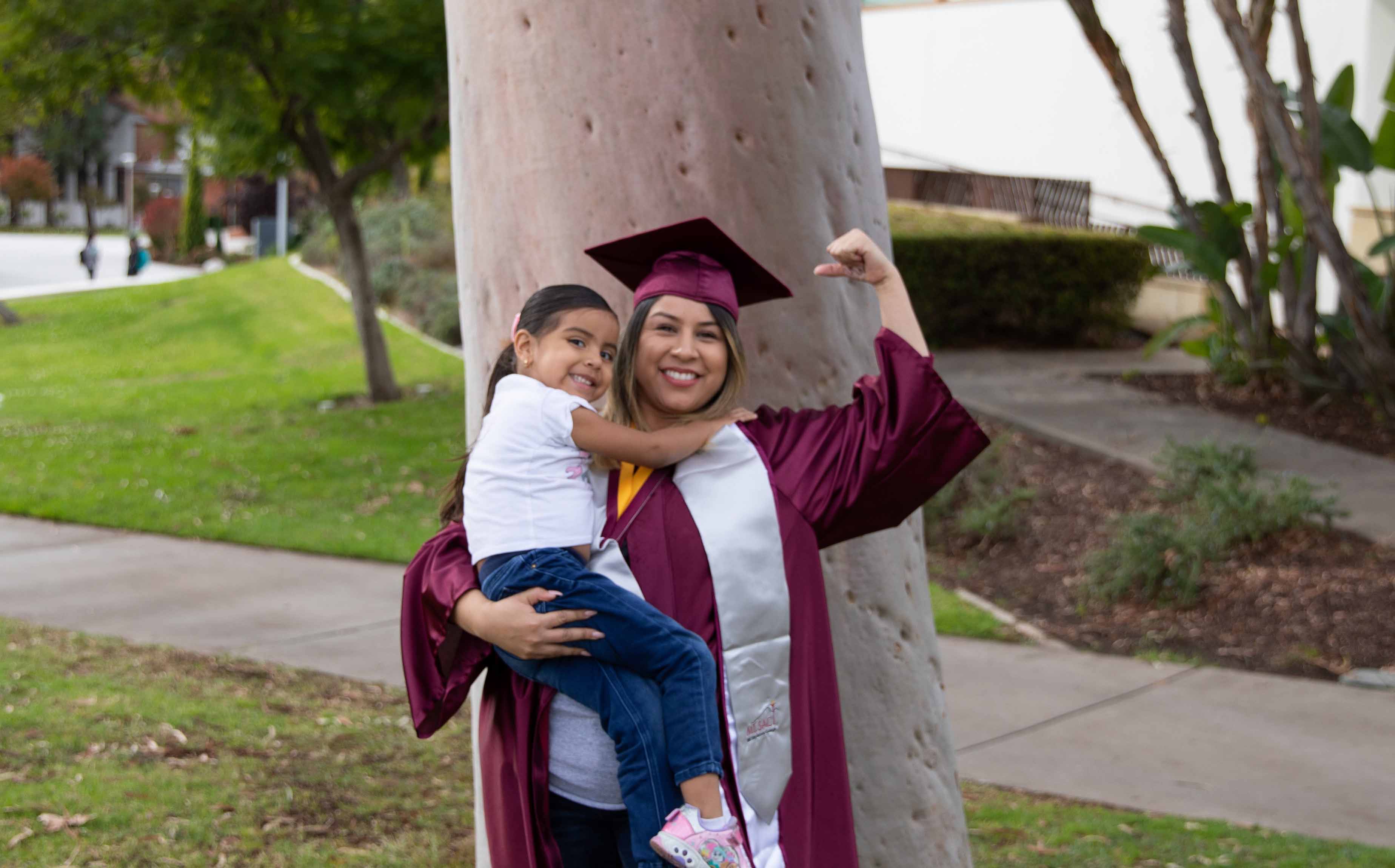
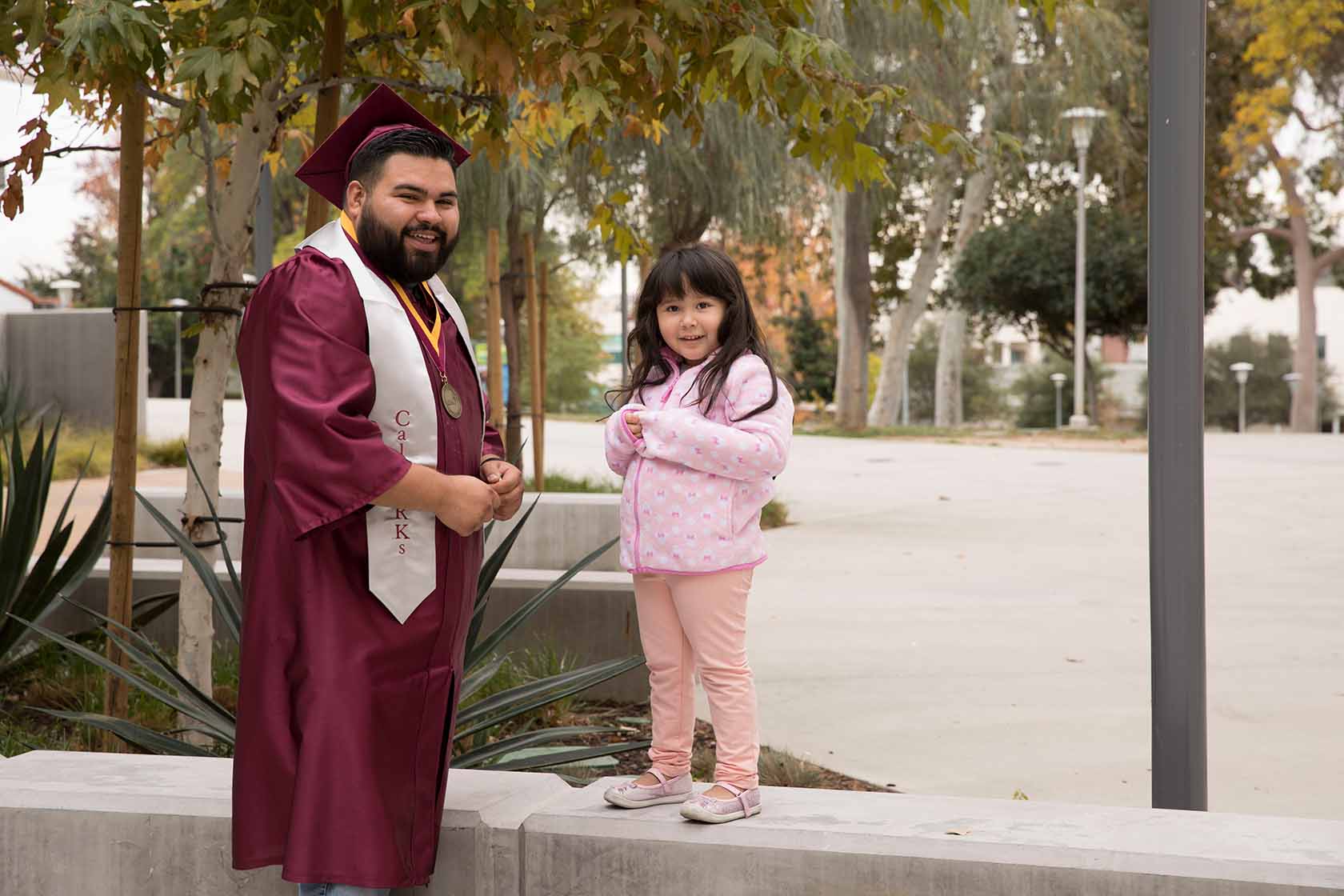
A CalWORKs Parent-Student with his child.Grad and Child
A couple of CalWORKs grads with caps and gowns.CalWORKs Grads

CalWORKs logo

Welcome to Mt. SAC CalWORKs!

The California Work Opportunities and Responsibility to Kids (CalWORKs) program at Mt. San Antonio College is designed to support student parents who receive cash aid for themselves and their children. We provide CalWORKs students with access to comprehensive services, including individualized academic counseling, educational programs, advocacy, support, case management, and referrals to community resources, to assist them to reach their academic goals and increase their self-sufficiency. In collaboration with county partners, Mt. SAC CalWORKs students receive county assistance with books and supplies, transportation, childcare, and other services designed to help them complete their educational goals.


Getting Started with CalWORKs

All Students must have an A number before filling out forms. If you do not have an A number, please contact your CalWORKs Specialist. If you have your student A number, proceed to the CalWORKs Intake Forms.

Get Started!

What Can CalWORKs Do for You?
CalWORKs student at help desk
Services & Benefits

At Mt. San Antonio College, we strive to help our
CalWORKs students obtain lifelong learning through education & help them gain access to the workforce by providing high-quality support services.

CalWORKs student at work
Work Study

CalWORKs Work Study Program provides part time jobs for students with financial need, allowing them to earn money to help pay education expenses.

CalWORKs employee at computer
How to Apply
CalWORKs Parent Scholars receive specialized counseling and case management support. Our county partnerships provide additional supportive services.


The Verification of Benefits form can be obtained in your BenefitsCal Portal or contact your Cash Aid worker. 


A verification of benefits is available within BenefitsCal, if you have linked your case to your account.

  • From the dashboard, find “Your Applications and Cases.
  • Click the button to “View Case Details.”
  • The page will have details for each program. Scroll down to click the link “download your benefits verifications.”
  • “Release of Information will open, click the button “Create Notice.” A benefits verification PDF will download.
  • Click the file to open.

* Contact your Program Specialist if you have issues obtaining your Verification of Benefits. 


CalWORKs

Mon. - Thurs. 8:00 A.M. - 5:00 P.M.
        Fri. 8:00 A.M. - 4:30 P.M.
Student Services Bldg. 9B, 1st FLR.
(909) 274-4755
calworks@mtsac.edu
www.mtsac.edu/calworks